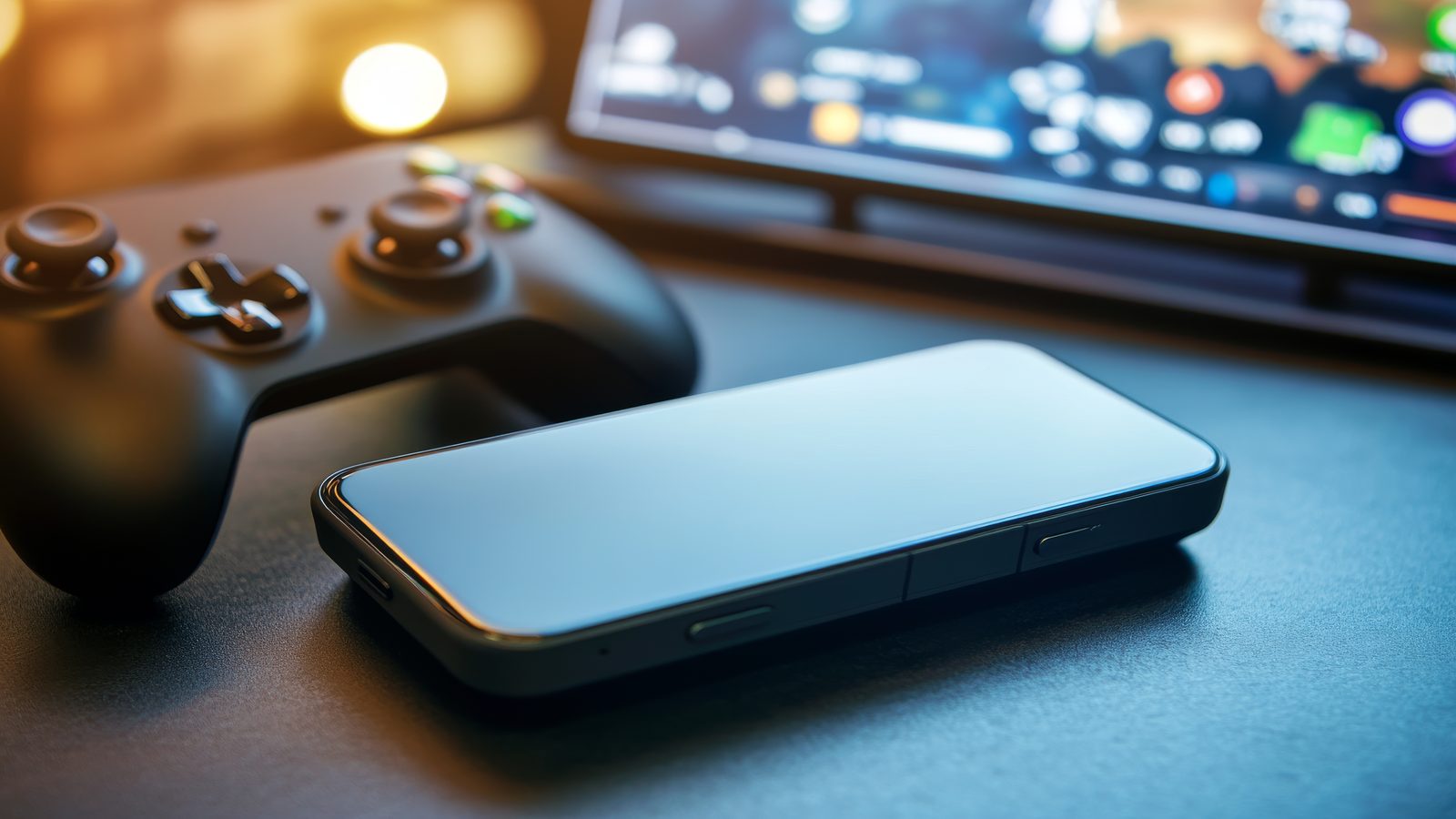
Controls might seem like a straightforward topic, but in Goaler the control design is one of the most distinctive and technically interesting aspects of the game. The second screen concept, where your phone acts as a controller for the main match display, is not something most football games attempt. This page covers how the system works, where its strengths are, and what makes it difficult. For the deeper technical analysis of input latency, see the mobile controller latency guide. For how controls affect tactical decisions, visit Strategy.
The Second Screen Controller Concept
Most football games use a single input device connected to a single screen. You look at the match and control it from the same device, whether that is a keyboard, a gamepad, or a touchscreen. Goaler introduced a different approach: the match plays on one screen, typically a desktop browser or a large display, while control input happens on a separate device, typically a phone.
This separation is conceptually appealing for several reasons. The main screen can display the full pitch without control elements cluttering the view. The phone screen can be designed purely as an input surface, optimised for touch interaction without competing for visual real estate with the match itself. And the physical experience of holding a phone controller while watching a separate match screen creates a spatial relationship between player and game that is closer to using a physical gamepad than to tapping directly on a screen where the action is happening.
The concept drew from the broader second screen trend that was active in the early 2010s. Television broadcasters and app developers were exploring companion screen experiences. Goaler applied the same idea to gameplay rather than passive viewing, which was a more ambitious use of the model.
What Makes Phone as Controller Design Work
When the second screen controller works, it works well. The key success factors are low latency, clear input surfaces, and a well defined relationship between what you do on the phone and what happens on the match screen.
Low latency means the gap between your thumb pressing a control on the phone and the corresponding action appearing on the match screen is short enough to feel immediate. Anything under 100 milliseconds generally feels responsive to most players. Above 200 milliseconds, the delay becomes noticeable and starts to affect competitive play.
Clear input surfaces mean the phone screen presents controls that are large enough to hit reliably, spaced well enough to avoid accidental touches, and positioned where your thumbs naturally rest during play. A phone controller that requires precise pixel level tapping fails in practice because fast football moments do not allow for careful aim on a small screen.
The relationship between input and match response needs to be predictable. If you press the shoot control, the shot should happen in a way that corresponds to your timing. If the connection between input and action feels inconsistent, players lose trust in the control system quickly, and lost trust is almost impossible to restore.
Tap Accuracy and Screen Readability
Touch input on mobile devices is inherently less precise than physical button input. Your finger covers a larger area than a button press, the screen surface is smooth rather than tactile, and there is no physical feedback confirming that your input was registered. These are not Goaler specific problems. They are fundamental constraints of phone based game controls.
Goaler addresses this by designing input zones rather than precise buttons. The control surface on the phone is divided into regions, and touching anywhere within a region registers the intended action. This approach forgives imprecise taps and lets players act quickly without worrying about exact finger placement.
Screen readability on the phone side is also important. The controller interface needs to be visually simple enough that you can glance at it during play and immediately understand what each zone does. Complex controller layouts with many small buttons fail because players do not have time to visually parse the phone screen while simultaneously watching the match on the main display.
Why Control Schemes Need Clarity in Fast Football Moments
Football is a game of moments. A scoring chance appears and disappears in seconds. The difference between responding in time and responding too late is often a single beat of hesitation. In that environment, any ambiguity in the control scheme is a competitive disadvantage.
Clear controls mean you never have to think about what to press. The mapping between intention and input is internalised to the point where your hands respond before your conscious mind processes the decision. Reaching that level of automaticity requires the control scheme to be consistent, predictable, and simple enough to learn within a few matches.
This is why Goaler’s control design favours a small number of clear actions over a large number of nuanced ones. You do not need 12 different shot types in a short format browser game. You need one shot action that responds reliably to your timing. You do not need complex defensive formations assigned to different button combinations. You need one defensive positioning input that works when you need it.
The simplicity is the design. It is not a compromise or a limitation of the browser platform. It is a recognition that control clarity is more valuable than control complexity in a format where decisions happen in fractions of a second.
Physical Ergonomics of Phone Controllers
Holding a phone as a game controller is different from holding a gamepad. The weight distribution is different. The grip is different. The surface is glass rather than textured plastic. These physical differences affect how long you can play comfortably and how consistently you can execute precise inputs.
Players who have spent time with phone based game controls report that the most comfortable approach is to hold the phone in landscape orientation with thumbs resting near the centre of each half of the screen. This position mirrors the natural gamepad grip and reduces the reach required to hit different input zones.
Extended sessions can cause hand fatigue because the phone grip requires more active muscle engagement than a gamepad designed specifically for ergonomic hold. This is another reason why Goaler’s short match format works well with the control model. Matches end before fatigue becomes a factor, which keeps every round feeling physically fresh and competitively fair.
For the detailed technical analysis of how input latency affects competitive outcomes, read the mobile controller latency guide.